AI Receptionist for Small Business: What It Does and Costs
What an AI receptionist for small business actually does, what it costs, where it falls short, and a 30 day rollout plan from Shane SantaCroce of Vocal Seek.
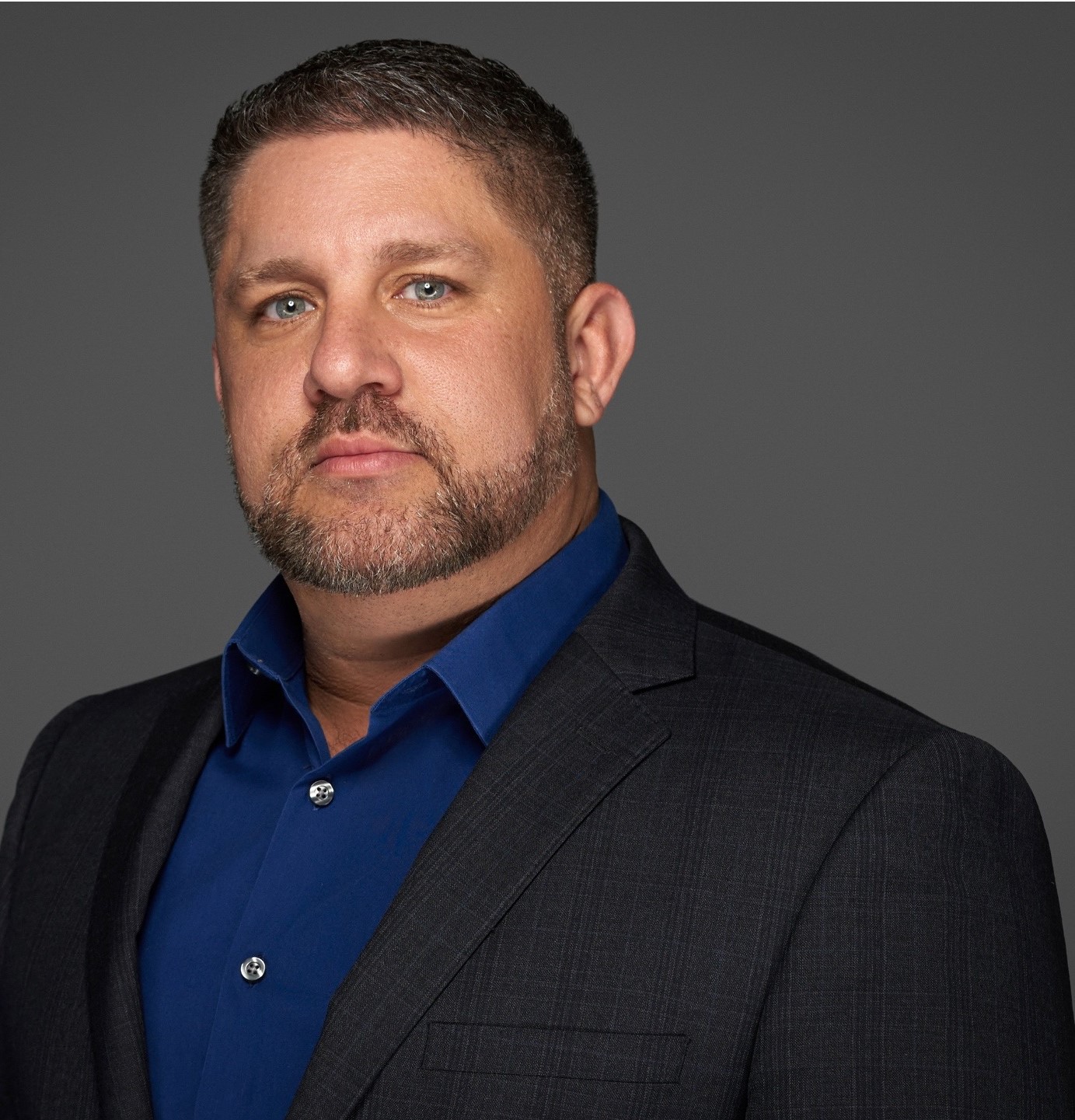 By Shane SantaCroce
Last updated:
An AI receptionist is the first automation I tell most service business owners to put in, and it is usually the one that pays for itself fastest. Here's the thing. Your phone is the front door of your business, and for most small companies that door is closed more than half the time. Lunch, drive time, job sites, nights, weekends. Every one of those gaps is a customer who called, got voicemail, and called the next name on the list. An AI receptionist for small business closes that gap. It answers every call, every time, in a voice that sounds like a person, and it books the appointment or captures the lead before the caller moves on.
I'm Shane SantaCroce. I've spent 25 years in digital marketing and I run a local marketing company, Vocal Seek, that builds these systems for contractors, clinics, and professional firms. This is the plain English version of what an AI receptionist actually does, what it costs, where it falls short, and how to decide if your business needs one.
What an AI receptionist actually does
Strip away the hype and an AI receptionist does four jobs. It answers the phone instantly. It has a real conversation with the caller instead of making them push buttons. It takes an action, which usually means booking an appointment, qualifying the lead, or routing the call to the right person. And it logs everything to your CRM so nothing lives in someone's head.
The conversation part is what changed in the last couple of years. Older phone systems were menus. Press one for sales, press two for service. People hate them and hang up. Modern voice AI listens, understands what the caller is asking for, and responds naturally. A homeowner can say "my AC stopped blowing cold and I need somebody today" and the system knows that is an emergency service request, checks the calendar, offers the next available window, confirms the address, and texts a confirmation. No menu. No hold music.
The core functions worth paying for
- Appointment setting. Connected to your calendar or scheduling tool, so it books real slots, not "someone will call you back."
- Lead capture and qualification. Name, number, what they need, how urgent, how they found you. Pushed straight into the CRM with tags.
- Call routing. Existing customer with a billing question goes one place. New lead with a quote request goes another. Emergencies ring a human immediately.
- After hours coverage. The same experience at 9 PM Sunday as 9 AM Tuesday. This is where most of the recovered revenue lives.
- FAQ handling. Hours, service area, pricing ranges, whether you take insurance, how long a job takes. The questions that eat your front desk's day.
- Follow up triggers. A missed or abandoned call can kick off a text sequence or a callback task automatically.
If a vendor cannot show you all six of those working together on a live call, you are looking at a glorified voicemail.
Why speed to lead is the whole game
Studies across sales and lead response consistently show the same pattern. The odds of connecting with a lead and converting them drop sharply within the first several minutes after they reach out, and keep dropping by the hour. A new lead is at its hottest in the moment they pick up the phone. They have a problem, they have intent, and they have a search results page open with four of your competitors on it.
A human front desk cannot beat that clock on every call. Nobody can. An AI receptionist is sitting at zero seconds, every time. That is not a nice to have for a service business. That is the difference between winning the job and funding your competitor's truck payment.
I broke down the actual dollars in what missed calls really cost your small business. The short version is that a single missed call in a trade like HVAC, plumbing, or roofing can represent hundreds to thousands of dollars in lost ticket value, and most owners miss far more calls than they think. Pull your call log from last month and count the ones that went to voicemail. Then multiply by your average job value. That number is your budget for fixing this.
What an AI receptionist costs
Pricing has come down fast. You will see three models in the market right now.
| Model | How it's billed | Best for |
|---|---|---|
| Flat monthly | One fee for a set number of minutes or calls | Predictable call volume, owners who want a fixed cost |
| Per minute | Usage based, often with a small platform fee | Low or seasonal volume |
| Managed service | Monthly retainer that includes setup, scripting, CRM integration, and ongoing tuning | Owners who want it done right and never want to touch it |
Realistically, a solid managed setup for a single location service business lands in the range of a few hundred dollars a month, which is a fraction of a part time receptionist's wages and benefits. I walked through the full comparison in AI employee vs human hire, but the bottom line is that an AI receptionist works 24 hours a day, never calls in sick, handles unlimited simultaneous calls, and costs less than one shift a week of a human doing the same job.
The cost that matters more than the monthly fee is the setup cost in time and attention. A cheap tool you configure yourself in an afternoon will answer calls badly, book the wrong slots, and make you look worse than voicemail. Budget for proper scripting and integration or do not bother.
Where AI receptionists fall short
I sell these systems and I'll still tell you where they break. Being upfront about this is how you set it up right.
Complex or emotional calls
An angry customer with a warranty dispute does not want to talk to software. Neither does someone in a true crisis. The fix is simple. Build an escalation rule so these calls hand off to a human fast, with a warm transfer and the context already captured. The AI's job is to recognize the situation and get out of the way.
Bad scripting
The system is only as good as the instructions it runs on. If nobody wrote out your service area, your pricing rules, your scheduling constraints, and the questions a good dispatcher asks, the AI will improvise. Improvising is how you end up with a booked job two counties outside your service area. Write the playbook first.
No CRM connection
A receptionist that answers the phone but drops the lead into an email inbox has solved half the problem. The lead has to land in your pipeline with a stage, a source, and a follow up task. Otherwise you traded missed calls for missed follow ups. If you are on GoHighLevel or a similar platform, the integration is standard and there is no excuse to skip it.
Compliance basics
Disclose that the caller is speaking with an automated assistant where your state or industry requires it. Get consent before sending texts. Record calls only where it is legal to do so. None of this is hard, but it has to be set up on day one, not after a complaint.
How to roll one out in 30 days
This is the sequence I use. It works for a one truck operation and it works for a multi location practice.
- Week 1: Audit the calls. Pull 30 days of call logs. Count missed, after hours, and abandoned calls. Listen to a dozen real conversations and write down every question callers asked. That list becomes your knowledge base.
- Week 2: Write the playbook. Greeting, qualifying questions, booking rules, service area, pricing language, escalation triggers, and what happens after the call. Keep it in plain language. The AI reads it the way a new hire would.
- Week 3: Connect and test. Hook it to the calendar and CRM. Then call it yourself fifty times with every weird scenario you can think of. Wrong number. Spanish speaker. Someone who only wants a price. Someone who wants to cancel. Fix what breaks.
- Week 4: Go live after hours first. Route only nights and weekends to the AI for the first week. Review every transcript. Once it is clean, expand to overflow during business hours, then full coverage if that is the goal.
Most owners who do this find that after hours coverage alone recovers enough booked work to justify the whole system. Everything after that is upside.
The Vocal Seek approach
At Vocal Seek we treat the AI receptionist as one piece of a full front door system, not a standalone gadget. The phone agent, the missed call text back, the Google Business Profile, and the CRM follow up all have to work as one machine, because a caller who hits voicemail and gets a text back three seconds later still books with you, and a caller who books with the AI but never gets a reminder still no shows. If you want to see how we build the conversation layer, the conversational AI service page at Vocal Seek walks through the setup. And if you want to understand the broader shift happening in phone based customer service, I covered it in how voice AI is changing customer service.
For a direct look at the voice systems I build for clients, the voice AI services page has the breakdown.
FAQ
Does an AI receptionist sound like a robot?
Not anymore. Current voice AI uses natural, conversational speech with normal pacing and the ability to handle interruptions. Most callers cannot tell the difference in the first few seconds, and the ones who ask get a straight answer that they are speaking with an automated assistant who can book them or connect them to a person.
Can an AI receptionist book appointments directly into my calendar?
Yes, when it is integrated properly. It reads real availability from your scheduling tool, offers open slots, confirms the booking, and sends a text confirmation. It can also apply rules like buffer times, service area limits, and which technician handles which job type.
What happens when the AI cannot handle a call?
A well built system has escalation rules. Emergencies, upset customers, or requests outside its playbook trigger a transfer to a human, or a callback task if nobody is available, with the full transcript attached so the person picking up already knows the situation.
Bottom line
An AI receptionist for small business is the cheapest, fastest way to stop losing the customers who are already calling you. If you want to know exactly how many calls you are missing and what a system like this would recover, request a free AI audit and I'll show you the numbers for your business.